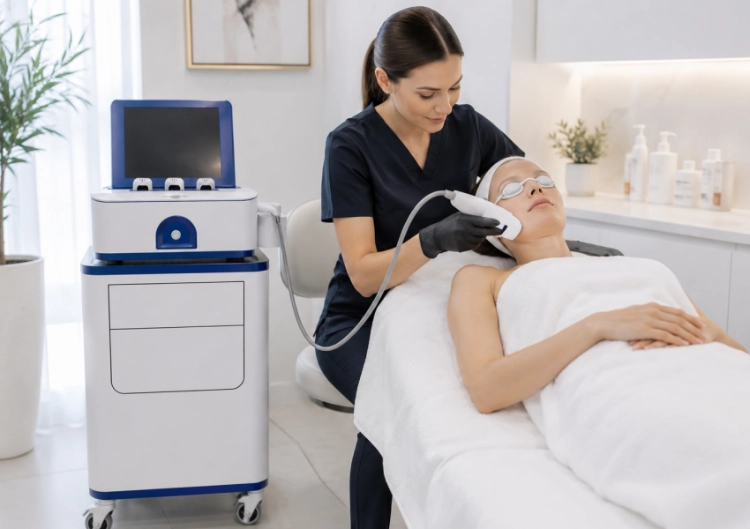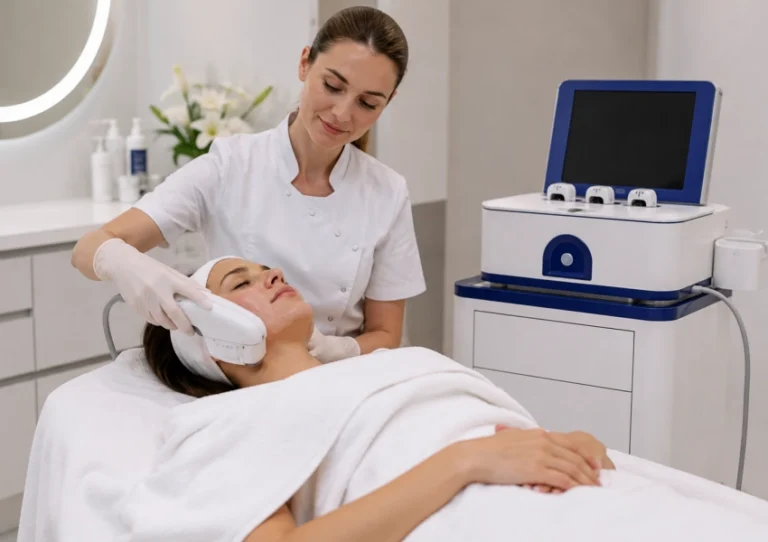
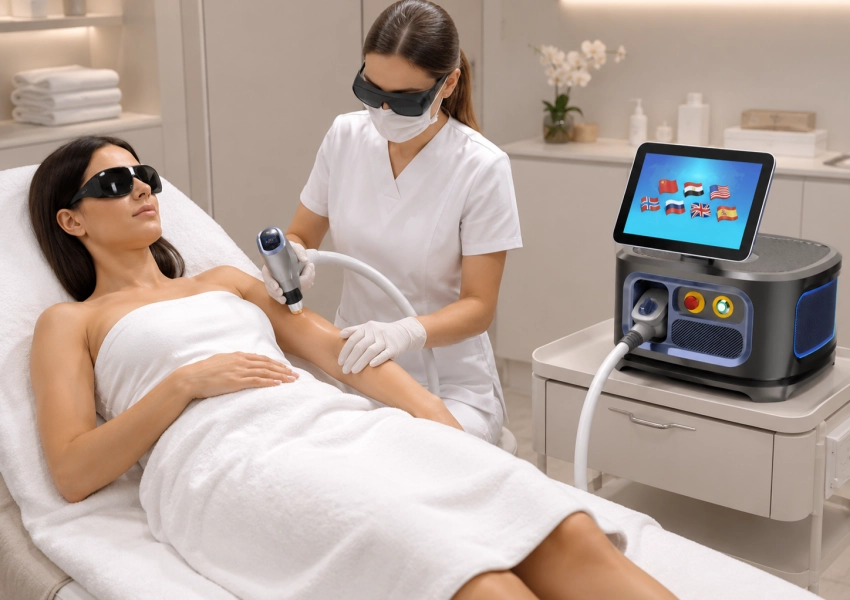
A handpiece that becomes hot after several appointments is not always suffering from one failed part. In a busy beauty room, heat can build through repeated pulses, restricted cooling flow, a dirty contact surface, poor ventilation, or a schedule that gives the system no recovery time. The right response starts with the operating condition. This guide separates heat-load problems from cooling-system faults and shows what to check before a small warning becomes a cancelled day of services.
Overheating Starts With Heat Load, Not a Single Error Code
Every diode hair removal system moves heat away from the laser source and handpiece while it delivers energy to the service area. Back-to-back work raises the average load. Large body zones, high fluence, fast repetition, long contact time, and repeated passes can push the cooling loop close to its limit. If the operator keeps increasing output after the contact surface has already warmed, the system may protect itself by reducing output or stopping.
High-Demand Settings Add Up Quickly
A long appointment on the back or legs can place a very different load on the handpiece than a short facial service. Pulse mode, spot size, repetition rate, and the number of passes all matter. A machine may perform well during a demonstration and still struggle during a full day if the quotation does not match the intended workload. Review the service schedule, not just the maximum power line on the specification sheet.
Cooling Flow Is a Chain
A diode laser cooling system depends on several links: the reservoir, pump, tubing, filter, heat exchanger, handpiece channel, and the contact window. A low level, air bubble, kinked tube, blocked filter, unsuitable water quality, or weak pump can reduce flow without creating an immediate hard fault. The operator may only notice that the handpiece takes longer to return to its working temperature.
Five Causes That Appear During Consecutive Services
When a laser hair removal machine overheating complaint appears, record when it happens. Heat after the first client points to a basic cooling or airflow issue. Heat after the fourth client points more strongly to accumulated load, restricted heat transfer, or a schedule beyond the configured duty cycle. The timing gives the service team a useful starting point.
Blocked Airflow and Heat Rejection
A console placed too close to a wall, a covered vent, a dusty intake, or a warm treatment room makes the heat exchanger work harder. The handpiece may feel like the problem because it is the part held by the operator, while the root cause sits in the main unit. Leave the clearance specified by the supplier, keep vents clean, and do not store packaging or linen against the machine.
Dirty Window, Poor Contact, or Incorrect Cooling Medium
Residue on the contact window changes heat transfer and can create hot spots. A loose applicator tip can also prevent even contact. If the system uses a liquid loop, the buyer should know the approved fluid or water standard, replacement interval, and filter process. A TEC cooling laser may add thermoelectric control, but TEC does not cancel the need for clean contact, adequate flow, and good heat rejection.
Why Does a Laser Hair Removal Handpiece Overheat During Back-to-Back Treatments
A High-Volume Pre-Service and Between-Client Protocol
Before the first appointment, the operator should check the cooling level, tubing, connectors, contact window, handpiece cable, air vents, and the machine’s surrounding clearance. The selected tip should match the planned body area, and the contact surface should be clean before it touches the client. If the device uses a liquid cooling loop, the approved fluid or water standard must be confirmed in the service documentation.
During a high-volume block, temperature should be watched as a trend rather than only as an alarm event. The operator should note whether the handpiece cools normally between treatment zones, whether the pump sound changes, and whether the contact window remains evenly cooled. A rising temperature after several large-area services may indicate accumulated heat load, restricted flow, poor heat rejection, or a duty cycle that does not match the schedule.
Between clients, the team should inspect the tip, wipe the contact surface according to the approved cleaning procedure, check the tubing for kinks, and confirm that the console vents remain open. A fixed recovery time should not be promised unless it is stated for the ordered model. If the device shows a temperature warning, unstable output, unusual noise, leakage, or repeated cooling alarms, the service should stop and the event should be logged before another client is booked.
What the Operator Should Record During an Overheating Event
A useful overheating record connects the warning to the actual service conditions. Record:
– the number of completed clients and treatment zones;
– wavelength, tip size, mode, fluence, pulse duration, and repetition rate;
– the approximate room temperature and machine position;
– cooling level before the service and the time when the warning appeared;
– pump sound, tubing condition, contact-window cleanliness, and any visible leakage;
– whether the handpiece recovered between zones or remained warm.
The timing helps separate different problems. Heat appearing during the first appointment points toward a basic cooling, airflow, contact, or component issue. Heat appearing only after several large-area appointments points more toward accumulated load, restricted heat transfer, or a schedule beyond the configured duty cycle. The record should be sent to the service team before a replacement handpiece is ordered.
Applying the Protocol to SUPLASER
SUPLASER is listed with 755 nm, 808 nm, 940 nm, and 1064 nm wavelengths, maximum power up to 1,200 W, fluence from 1 to 200 J/cm², repetition up to 10 Hz, pulse duration from 5 to 170 ms, and seven interchangeable tips. These figures describe a broad configuration range, not a reason to run every service at the highest setting.
The real-time cooling system monitors applicator temperature 1,000 times per second. For a busy room, that information can help the operator identify a rising temperature trend before a full stop condition occurs. It does not replace cleaning, airflow checks, approved cooling maintenance, or model-specific duty-cycle limits.
Before purchase, the supplier should demonstrate the intended PULSE or SLIDE workflow on a large treatment area and explain the expected recovery between zones. The quotation should identify the supplied tips, cooling configuration, alarm behavior, maintenance schedule, replacement-part lead time, and training scope. A high-volume clinic needs a repeatable operating protocol, not only a high maximum-power figure.
Why SUPLASER Is Relevant to High-Volume Planning
The SUPLASER has 755 nm, 808 nm, 940 nm, and 1064 nm, a maximum power of 1,200 W, fluence from 1 to 200 J/cm², repetition up to 10 Hz, and pulse duration from 5 to 170 ms. It also has a 25 kg body and seven interchangeable tips. These details support a portable, varied service setup, but the final duty cycle and cooling configuration still need to be confirmed for the ordered model.
Real-Time Monitoring Has a Practical Role
SUPLASER has a real-time cooling system that monitors applicator temperature 1,000 times per second. That is useful because temperature feedback can show a rising trend before the operator reaches a full stop condition. Monitoring is not a substitute for maintenance. It gives the operator and service team better evidence about whether the issue is heat load, cooling flow, contact transfer, or a component that needs inspection. It uses air cooling, water cooling, TEC refrigeration, and compressor refrigeration.
Match the Machine to the Schedule
For a room running consecutive services, define the schedule during quotation. List the average sessions per day, large-area share, expected repetition rate, ambient temperature, and the number of operators sharing the device. Key Considerations when purchasing for specific workflows. For example, does the proposed system allow PULSE and SLIDE modes for that specific workflow? What is the anticipated recovery time between specific areas of application, and which service parts would be required to be stocked? MQLASER supports OEM/ODM projects and provides reports regarding the experienced R&D team with 15% of the annual turnover invested in new product development. Therefore, distributors can discuss market-specific configurations with the OEM instead of being offered a generic package. The MQLASER company profile is a useful starting point for the commercial discussion, while the final service promise belongs in the supply agreement.
Conclusion
Laser handpiece overheating is usually a system and workflow question. Heat load, restricted airflow, cooling flow, contact transfer, settings, and maintenance can all contribute. A strong purchase specification details the following: cooling method, monitoring, duty cycle, approved maintenance routine, alarm behavior, spare-part path, training, and warranty. SUPLASER is available with four wavelengths and includes real-time applicator monitoring. It is a portable system and depends on configuration and service schedule for back-to-back work. The MQLASER can support the wider product conversation without replacing a model-specific technical sheet. Continue reading our another guide.
FAQ
Q1: Why does a handpiece overheat after several appointments?
A1: Common causes include accumulated heat load, restricted airflow, low cooling flow, blocked filters, dirty contact windows, unsuitable settings, or a duty cycle beyond the configured model.
Q2: Does TEC cooling prevent all overheating?
A2: No. TEC control can support temperature management, but airflow, heat rejection, contact cleanliness, cooling flow, settings, and maintenance still matter.
Q3: What should be logged during an overheating event?
A3: Record service count, area, mode, fluence, repetition rate, pulse duration, room temperature, warning time, cooling level, and any unusual noise or leakage.